01
Portrait with a Light Wind
Rapid micromotion test
Show source image
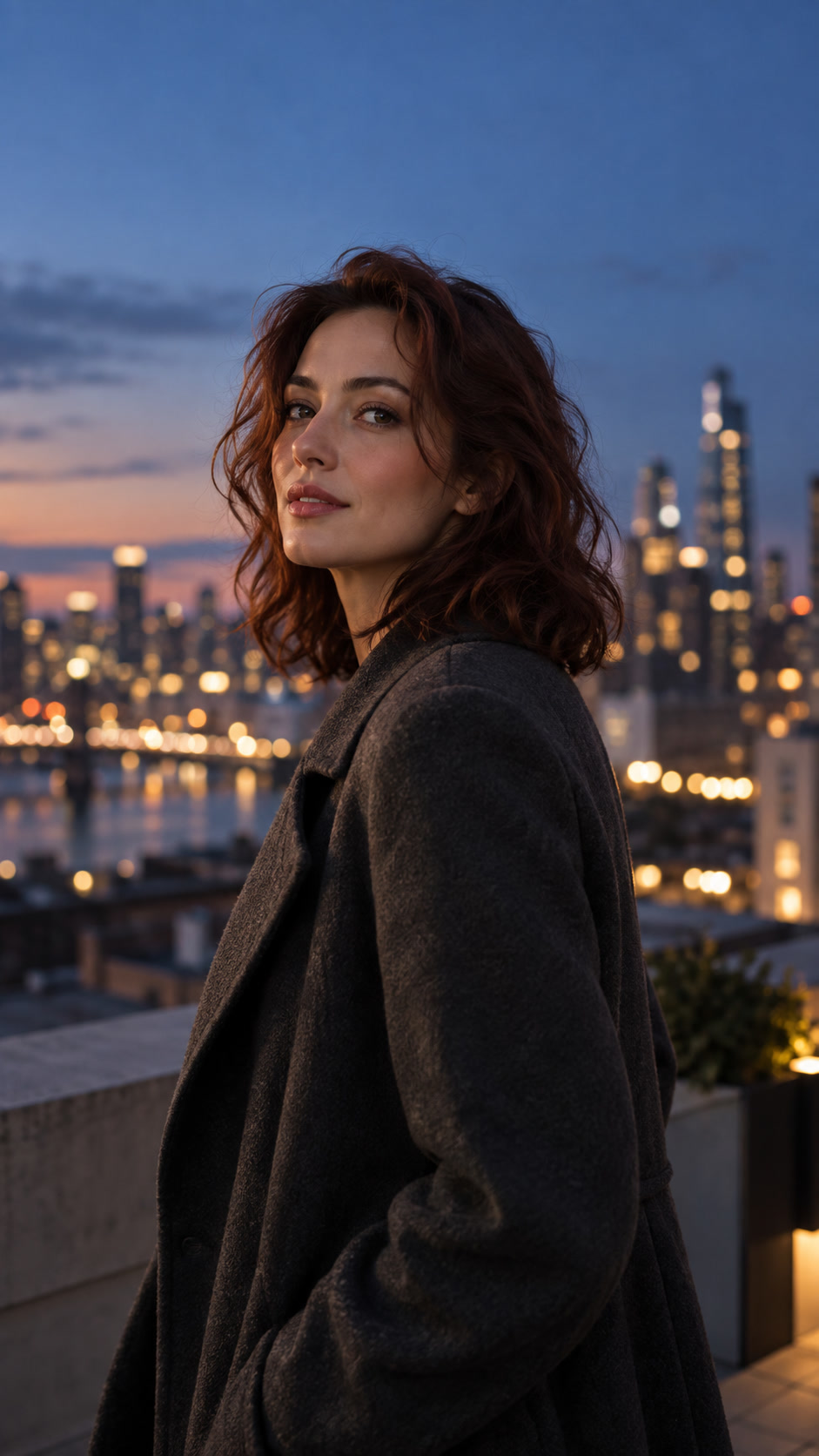
AI can add motion to the camera, air and light without rearranging the entire frame. Here are calm scenarios that fit a post, story, cover and teaser.
Compare a more expressive Quality clip and a quick Lite test on the same source types.
Rapid micromotion test
Photo by video · Quality

In each example, an action is first set, then the movement of the camera and only after that - restrictions on face, product, background and geometry.
One uninterrupted lifestyle shot: An adult man looks out the window, then turns his head slightly toward the camera, leaving his hand on the sill. The warm dawn light changes gently. It goes through a small flowing arc. Keep your face, hands, clothes, room and view outside. No speech, text, glue or morphing.
Relive the portrait with one stable frame. A gentle wind moves a few strands of hair, the girl blinks once and turns her gaze to the city a little bit; save face, clothes, background, framing and evening light; almost imperceptible camera hitting; no speech, text, glues and facial changes.
Relive the photo with one calm, realistic shot. The man breathes naturally and looks up slightly at dawn, the warm light at the window barely changes. Save face, arm, clothes, studio and city view. Smooth slow hit, without new objects, speech, text, gluing and morphing.
Divide the prompt into four parts: object action, camera movement, light changes and a list of what to save.
First, evaluate one short clip. Only after a successful test, scale the style to the rest of the photos.
There's one main trick.
The camera moves smoothly.
The light changes believably.
The first frame is recognizable as the original photo.
The model creates movement inside the scene: facial expressions, light, hair, fabric and parallax, rather than simply scaling a still frame.
Yes, if you ask directly to save the angle, background and clothing, and make the camera movement small.
What matters is one action, a specific camera and a clear list of immutable parts.
Take a clear photo, choose one type of movement and use the ready-made formula promta.