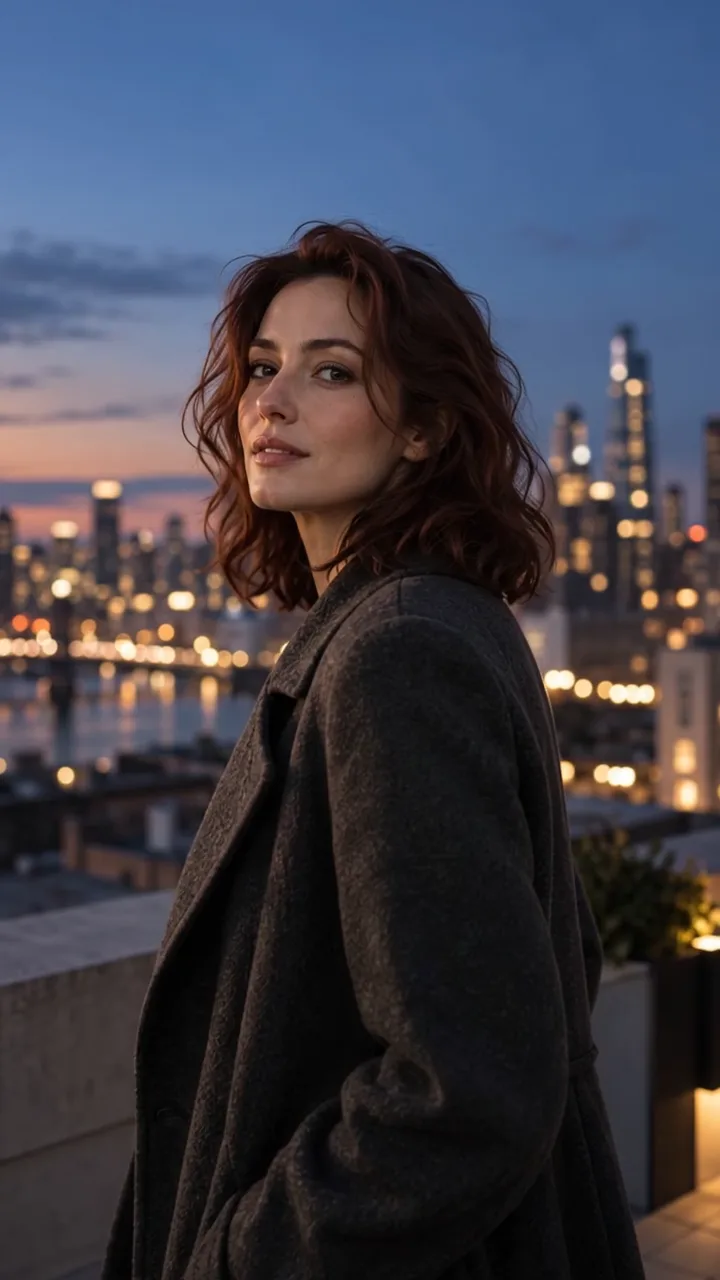
- AI photos and precise editing
- Use 1–10 references
- Credits never expire
Plans
Choose the right volume for your project
Your first basic AI photo is free. Then buy a pack once: no subscription, automatic renewal or credit expiration. Video examples: basic 5-second videos at 720p.
- AI photos, video and editing
- All trends and your own ideas
- Credits never expire
- For regular content production
- AI photos, video and editing
- Credits never expire
Now in Studio
Fresh trends you can recreate
Open a larger preview or apply a ready workflow to your own photo.
Loading current trends…
What you can create
AI photos and videos for real tasks
Six workflows, from precise photo editing to a short video made from one frame.

AI photo · profile
Create a profile photo
A polished profile portrait without a photo shoot or lengthy editing.

AI photo · product
Prepare a product card
Replace the background and refine the light while preserving the product shape.
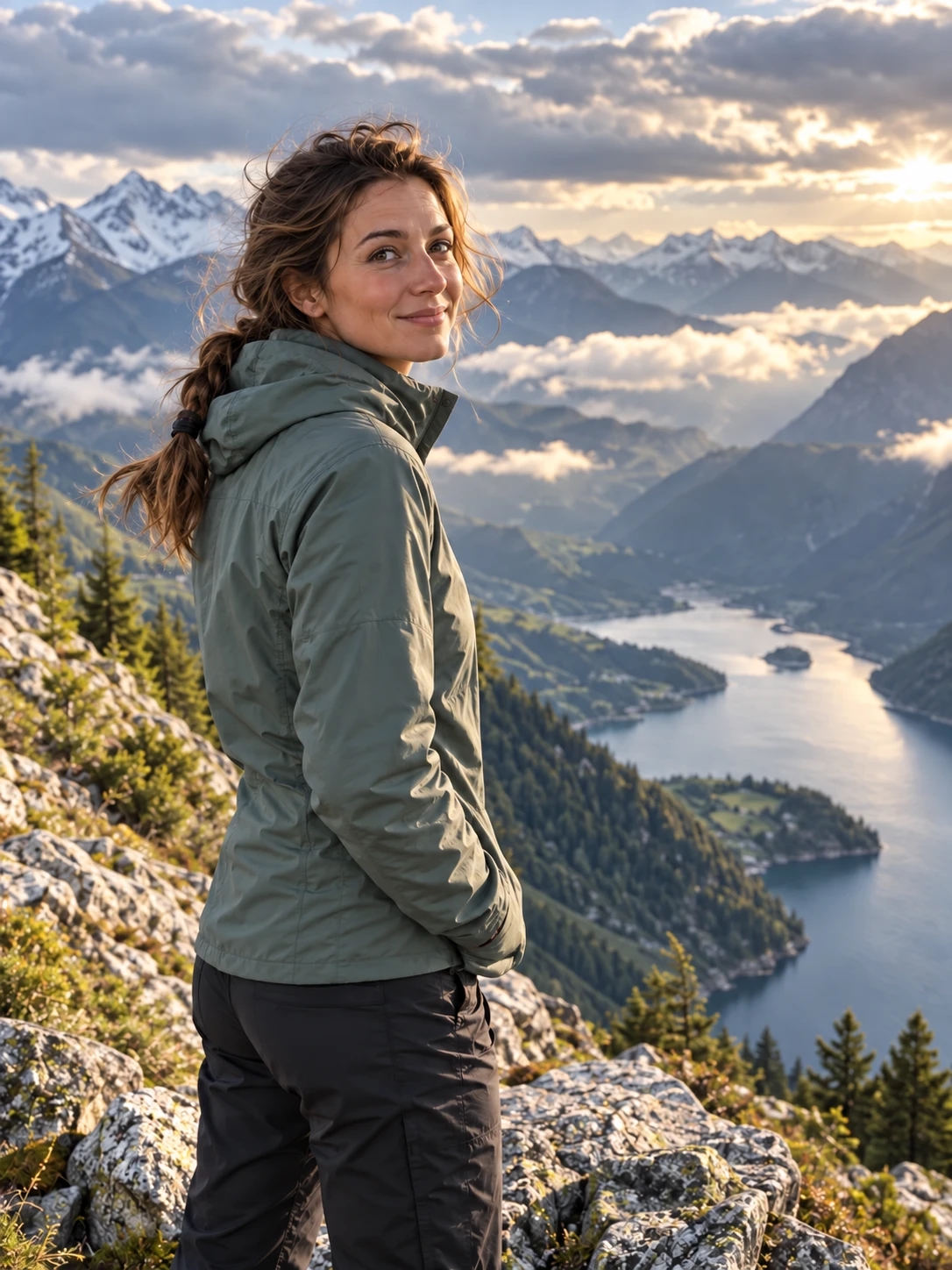
AI photo · edit
Remove an object
Remove an object or accidental detail while preserving the main subject.
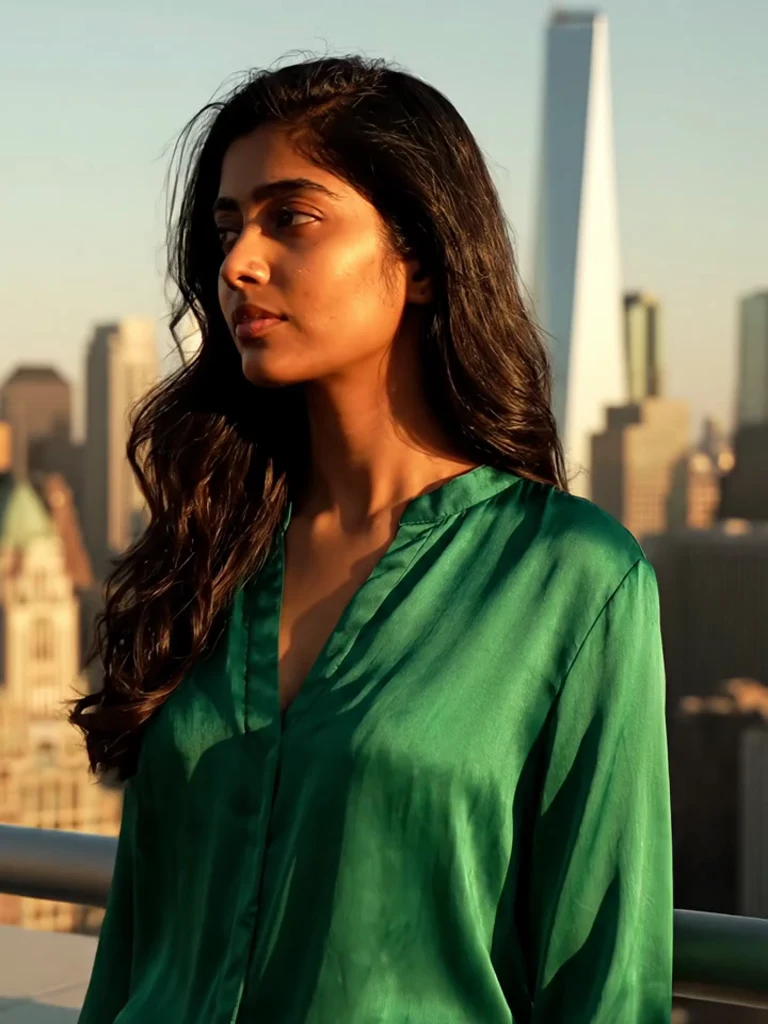
AI video · portrait
Animate a photo
Add gaze, breathing and subtle expression while preserving the face.
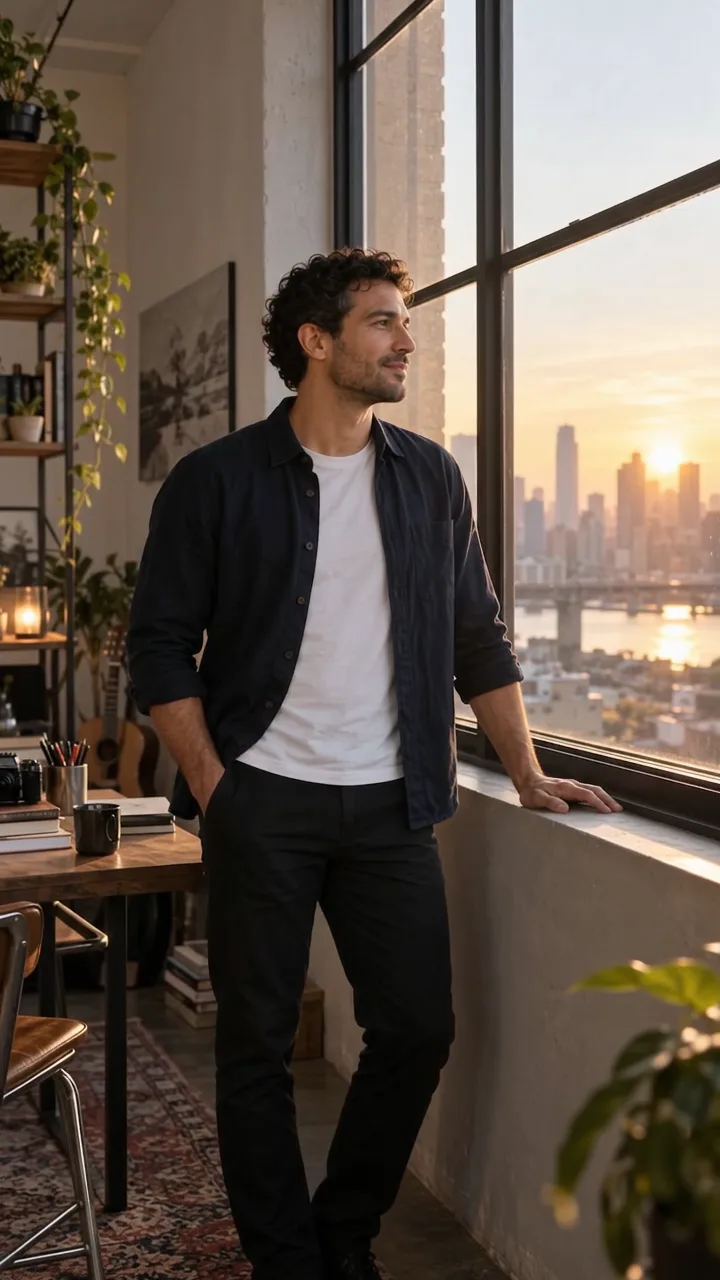
AI video · scene
Add movement
Animate light, atmosphere and camera motion inside one controlled shot.
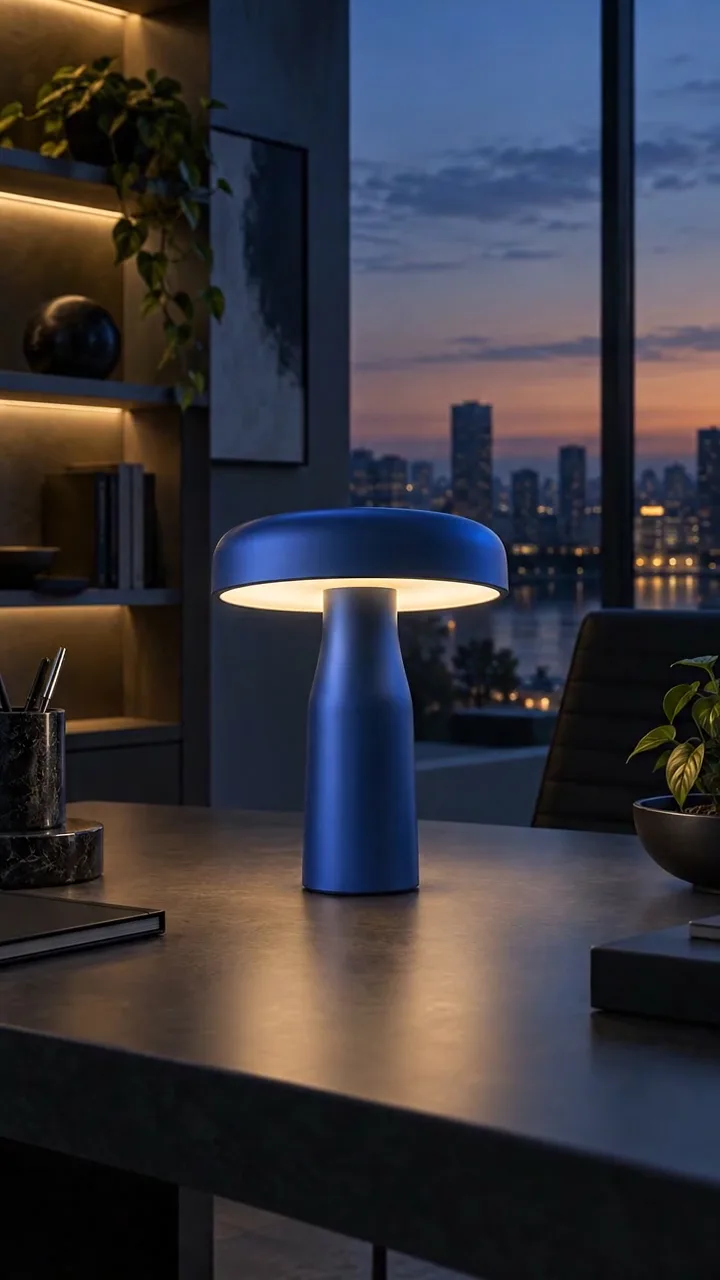
AI video · business
Create a product video
Create a promotional clip while controlling shape, material and color.
Clear before you start
Your photo. Your decision.
No hidden start: review the workflow and price first, then confirm the generation yourself.
The product shows the price before credits are charged.
A credit is returned to your balance after a technical failure.
Get help with a generation or payment directly in Telegram.
You can request deletion of your data. How it works.
Before and after
Move the slider and see the difference
These are practical workflows: a profile photo, object removal and a new product background.

Profile photo
An ordinary portrait becomes cleaner, more defined and easier to read at profile size.

Remove an unwanted detail
The unwanted object disappears while the surface, light and main subject remain natural.

Product background
The product remains the focus while the background supports a product card or campaign.
How it works
From a source photo to a finished result
Choose a ready trend or describe the task, upload a photo and review the result. Refine it, create another version or animate it in the Web Studio, Mini App or bot.
FAQ
Quick answers before you start
Do I need prompt-writing skills?
No. The main workflow uses ready trends. Use a custom idea only when you want a specific result.
How long does generation take?
A photo usually takes 20–90 seconds. Video takes longer because the model creates a sequence rather than a single frame.
Can I add several photos?
Yes. In the custom idea mode, attach up to 10 photos and use them as references for one final image.
What if the result is not right?
Try a clearer source with a larger face, better light and less cropping. A credit is returned after a technical error.
How can I get more generations?
Credit packs and referral bonuses are available inside the product. You see the terms before generation.
Helpful before you start
See examples and use a ready prompt
If you are unsure what to create, start with examples, ready prompts and short source-quality guides.


Try it on your photo
Create in TrendMe AI Studio — on the web or in Telegram
Start with current trends: the ideas are ready, and the welcome bonus lets you try the product right away.