One major outcome.
Don't ask you to change the background, remove an object, change your image and improve your face at the same time.
Explore practical TrendMe workflows for photos and videos: what to upload, how to describe the result and which limitations to check before generation.

Each photo and video example has a task, prompt and detailed page so that it is clear how to repeat a similar result in the bot.
Avatar
Profile portrait with a clear style, clean background and prompt for Telegram.
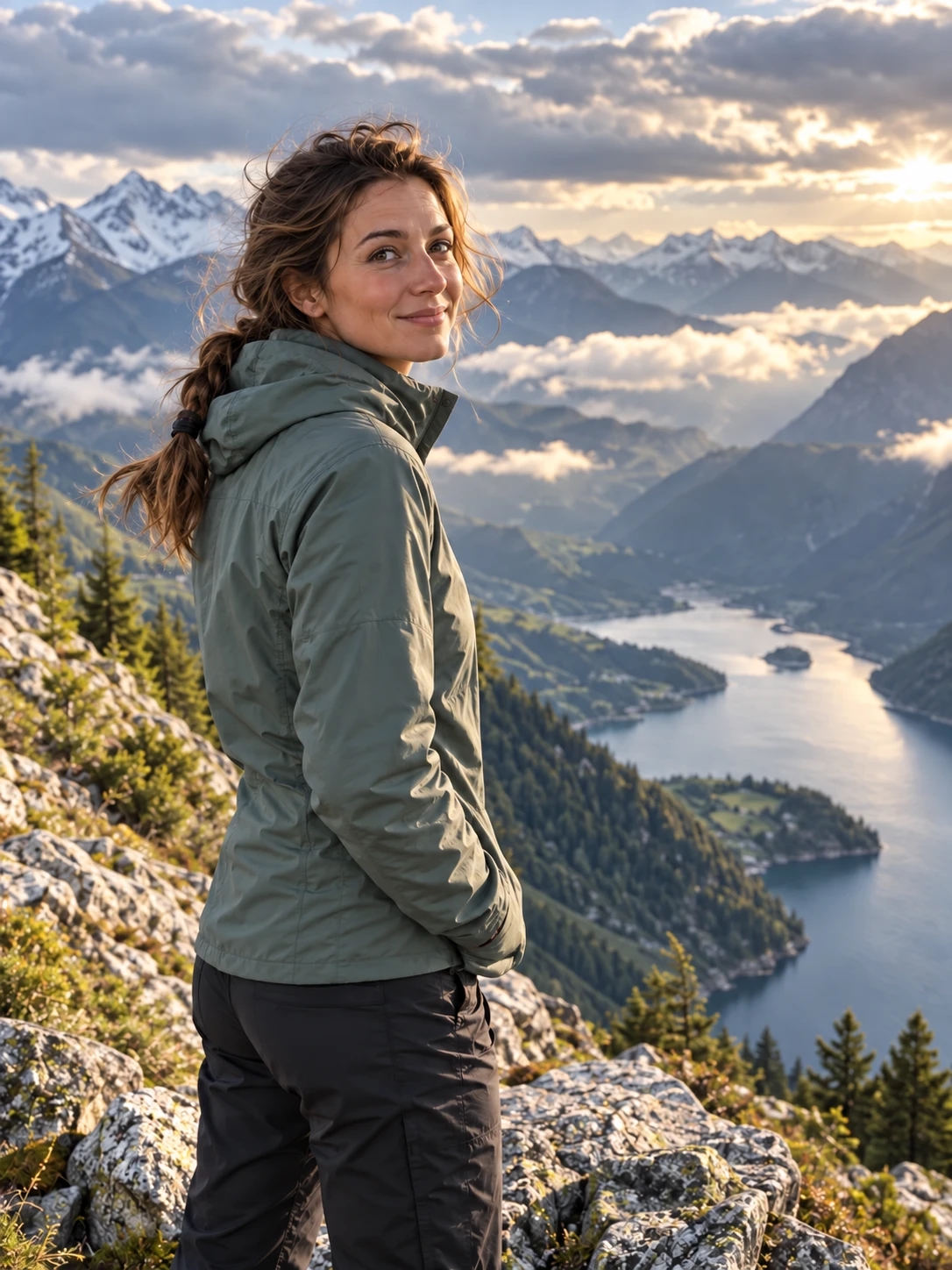 Editing
How to remove the extra detail and keep a natural background without a complex editor
 background
Suitable for merchandise, portraits, stories and promotional scenes with new surroundings.
 Quality.
Light, color, sharpness and neat retouch without feeling a heavy filter.
 References
How to collect object, background and style from 1-10 photos in one final frame.
 Payment.
Where to look at the generation terms, when credits are written off and how returns work in case of a technical error.
 Business
An ordinary home photo turns into a neat profile portrait for work, channel or public profile.
 Poster
A brighter cinematic image with neon light for Telegram, stories or visual experiment.
 background
A scenario for a photo where the main person is good, but the background distracts and spoils the impression.
 Character
Portrait turns into an original character: cartoon, fantasy, comic or game image without copying other people's heroes.
 Mascot
A text brief turns into multiple character directions for a channel, landing page, post or local business.
 Text-to-image
When there is no original photo, you can describe the character, background, poster, cover or visual basis for publication.
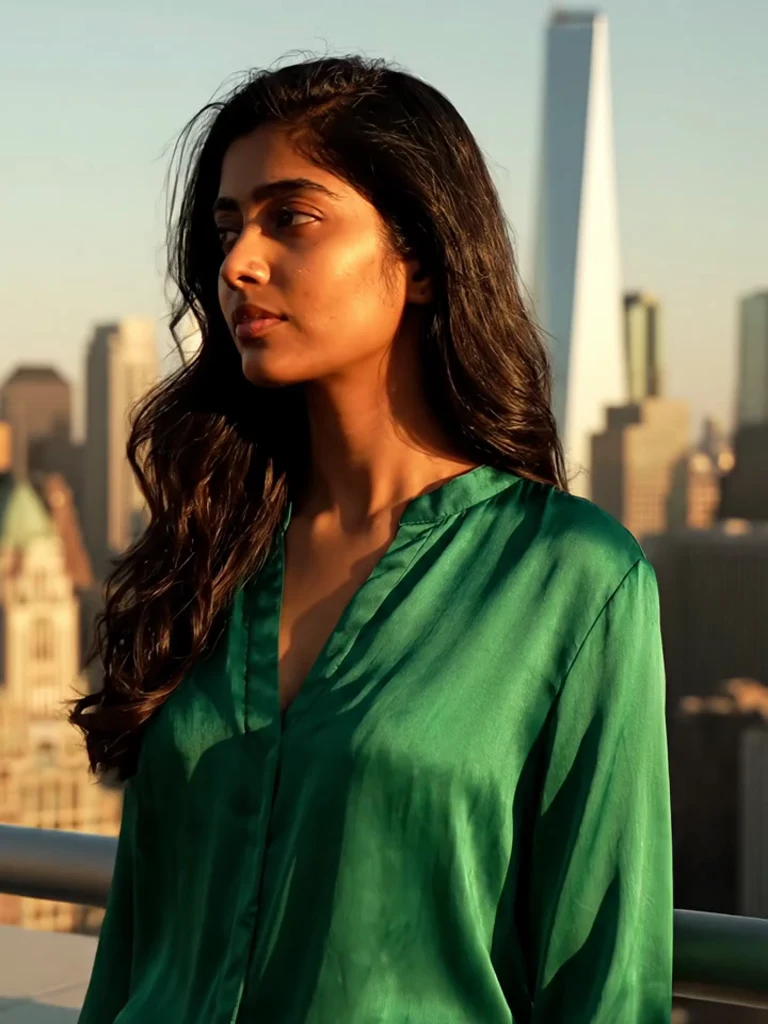 AI video · portrait
Add a natural look, breathing and soft facial expressions while retaining a recognizable face.
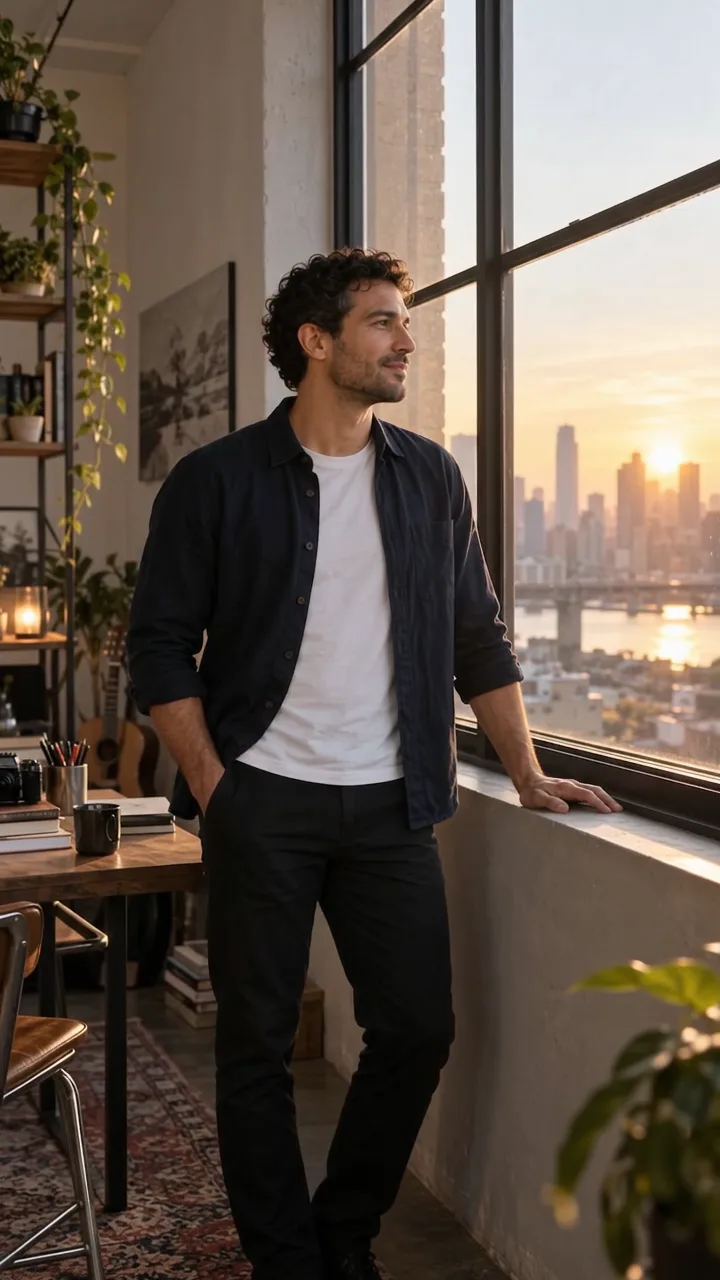 AI video · stage
Revitalize the light, air and movement of the camera within a single controlled frame.
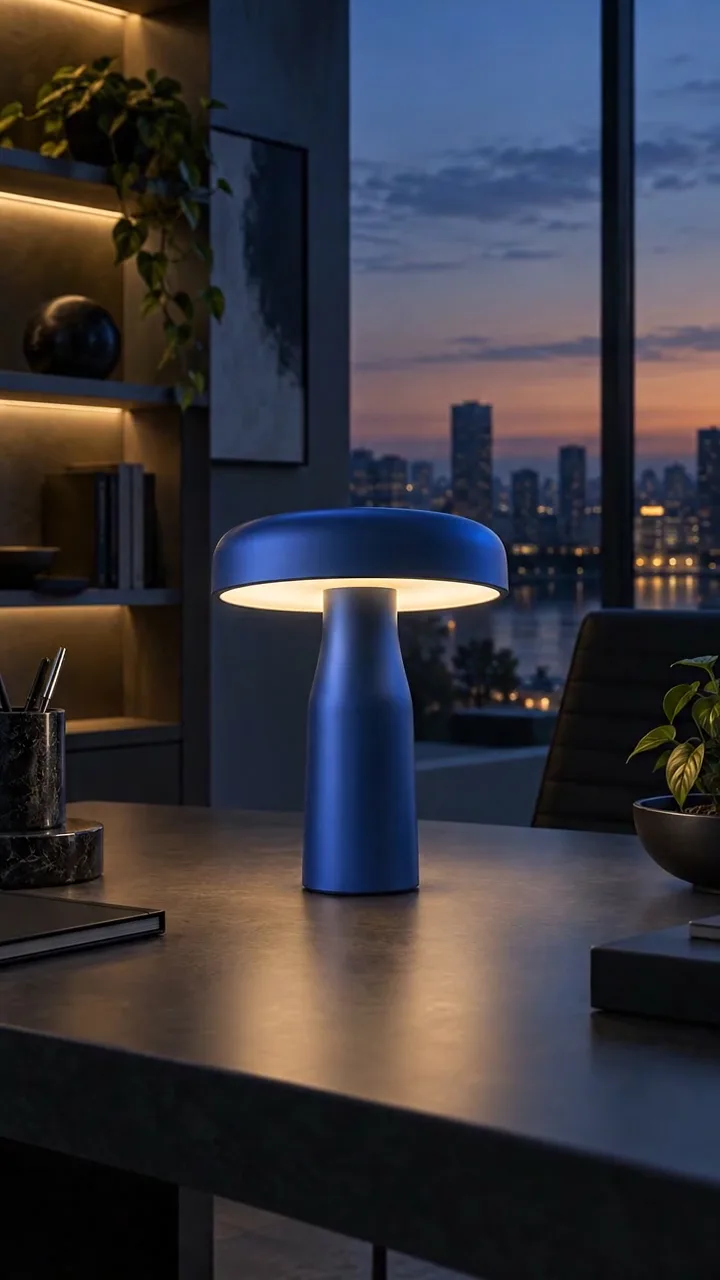 AI video · business
A short commercial with control over the shape, material, light and color of the product.
Don't ask you to change the background, remove an object, change your image and improve your face at the same time.
In the prompt, write directly what can not be changed: face, product, angle, light, color, text or logo.
For avatars, posters and complex edits it is usually best to make multiple choices and choose the one where face, light and mood match.
These pages help to get the best result and at the same time give search normal useful content around the product.
Short prompt formulas for avatars, background, object removal and posters.
SourceLight, face, background and typical source errors before generation.
EditingWhen the task is simple, and when it is better to change the background or upload another photo.
Up-to-date generation terms are shown inside the bot prior to generation. Start with one clear photo and a short request.