All ready-made tools
Each card opens a dedicated page with examples, settings, limitations and a direct route to the matching workflow.

Enhance photo quality without a heavy filter
The ready-made workflow improves light, sharpness, color and small details while keeping the face, clothes, objects and original composition intact.
Explore the tool→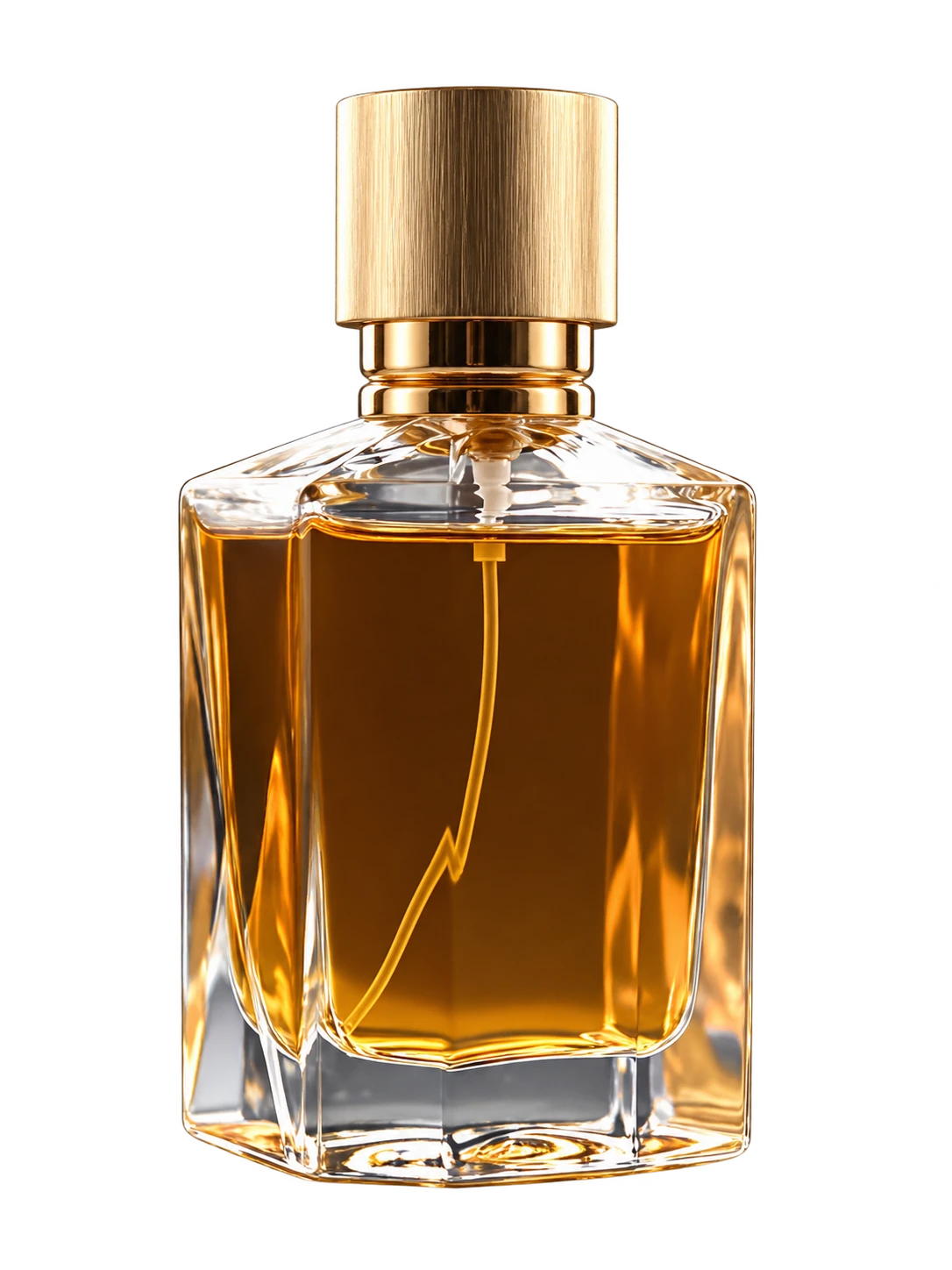
Remove the background and keep the subject
The tool separates a person or product from the surroundings and returns a transparent PNG. Prints, labels and clothing details remain part of the original subject.
Explore the tool→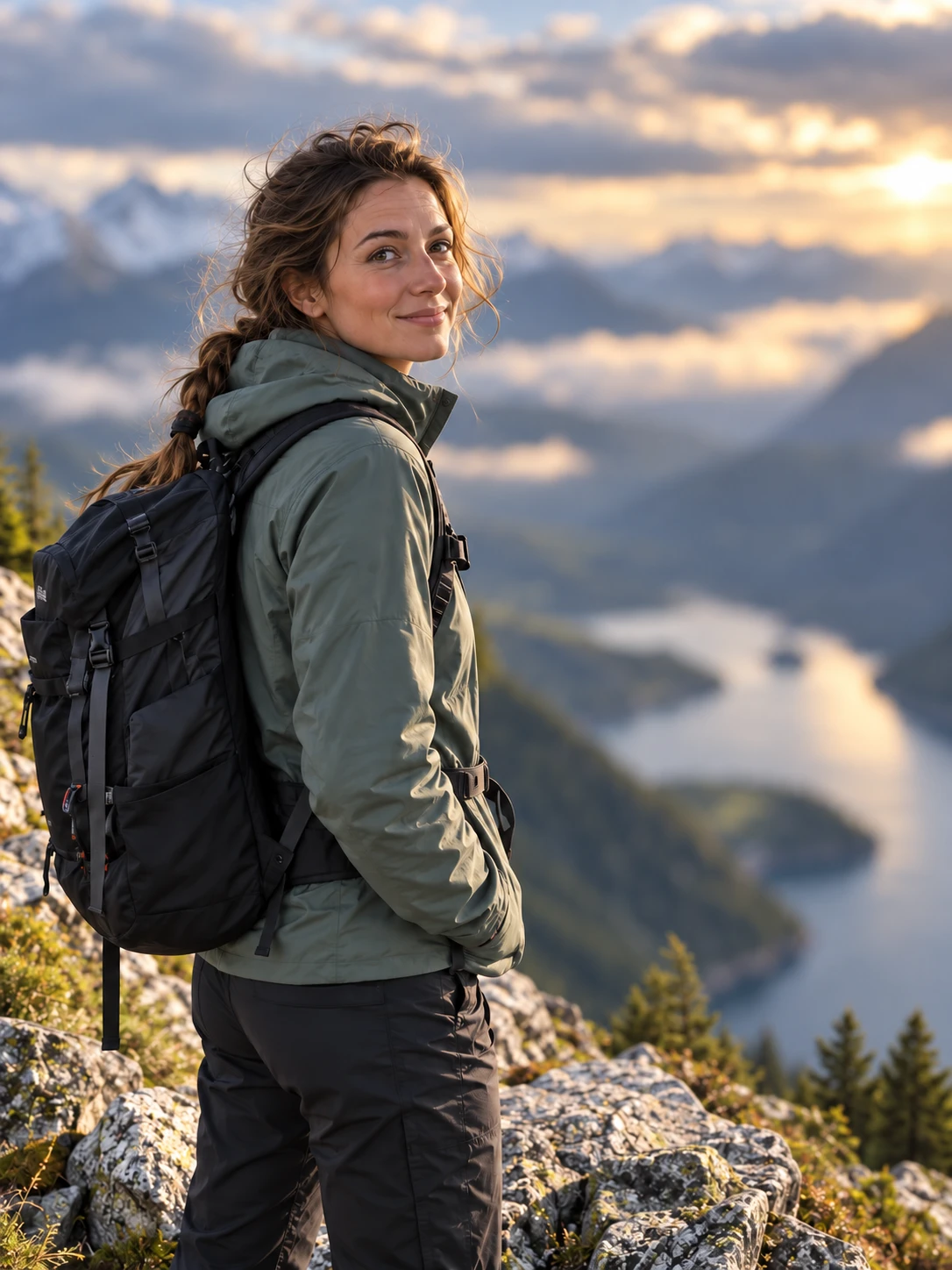
Add natural depth without replacing the scene
The tool keeps the main subject sharp and softens the existing surroundings. It does not replace the location or require a format selector.
Explore the tool→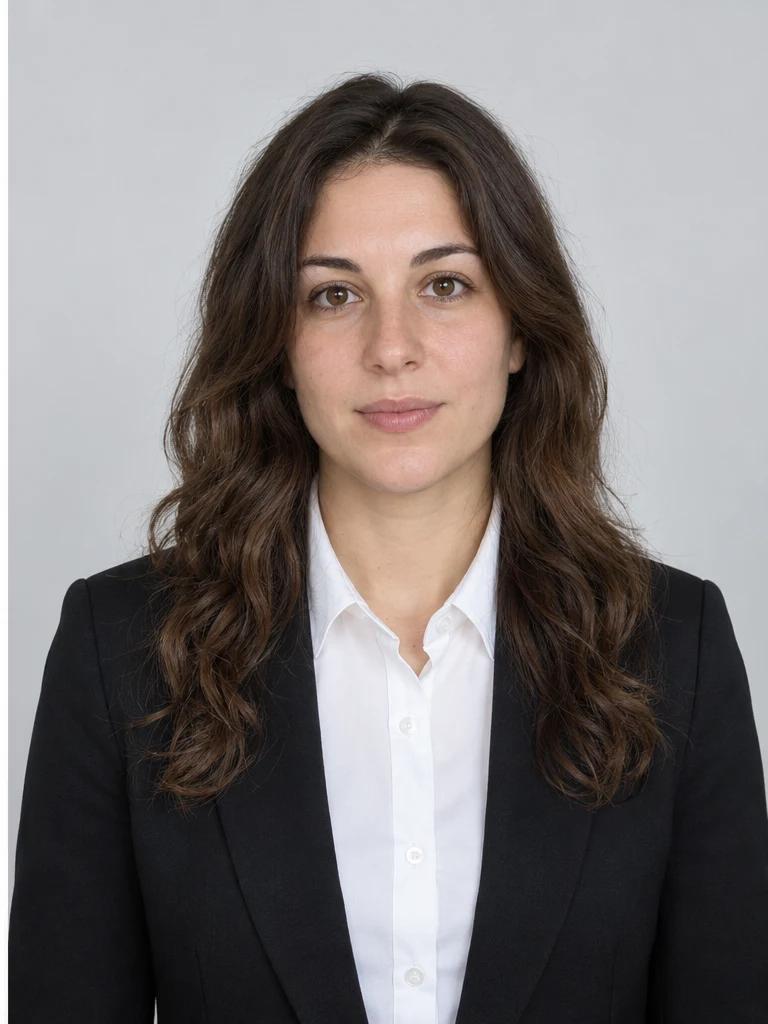
Prepare a portrait for a document and required size
Choose a ready-made document preset and clothing option. Studio adjusts the frame and neutral presentation without asking you to calculate dimensions manually.
Explore the tool→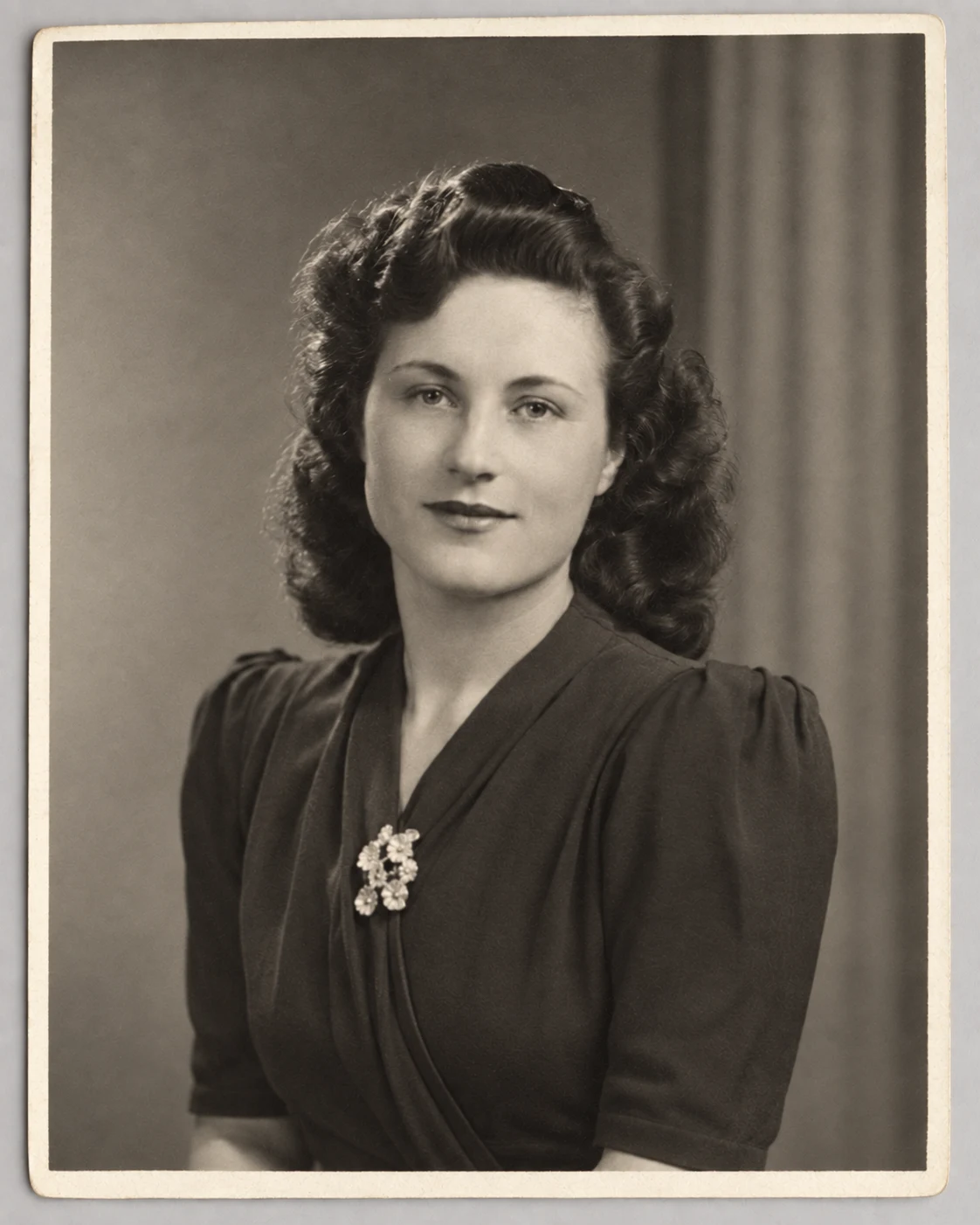
Restore an old photograph without modernizing the people
The ready-made restoration workflow reduces scratches, fading, noise and creases while preserving recognizable faces, clothing and the period of the original image.
Explore the tool→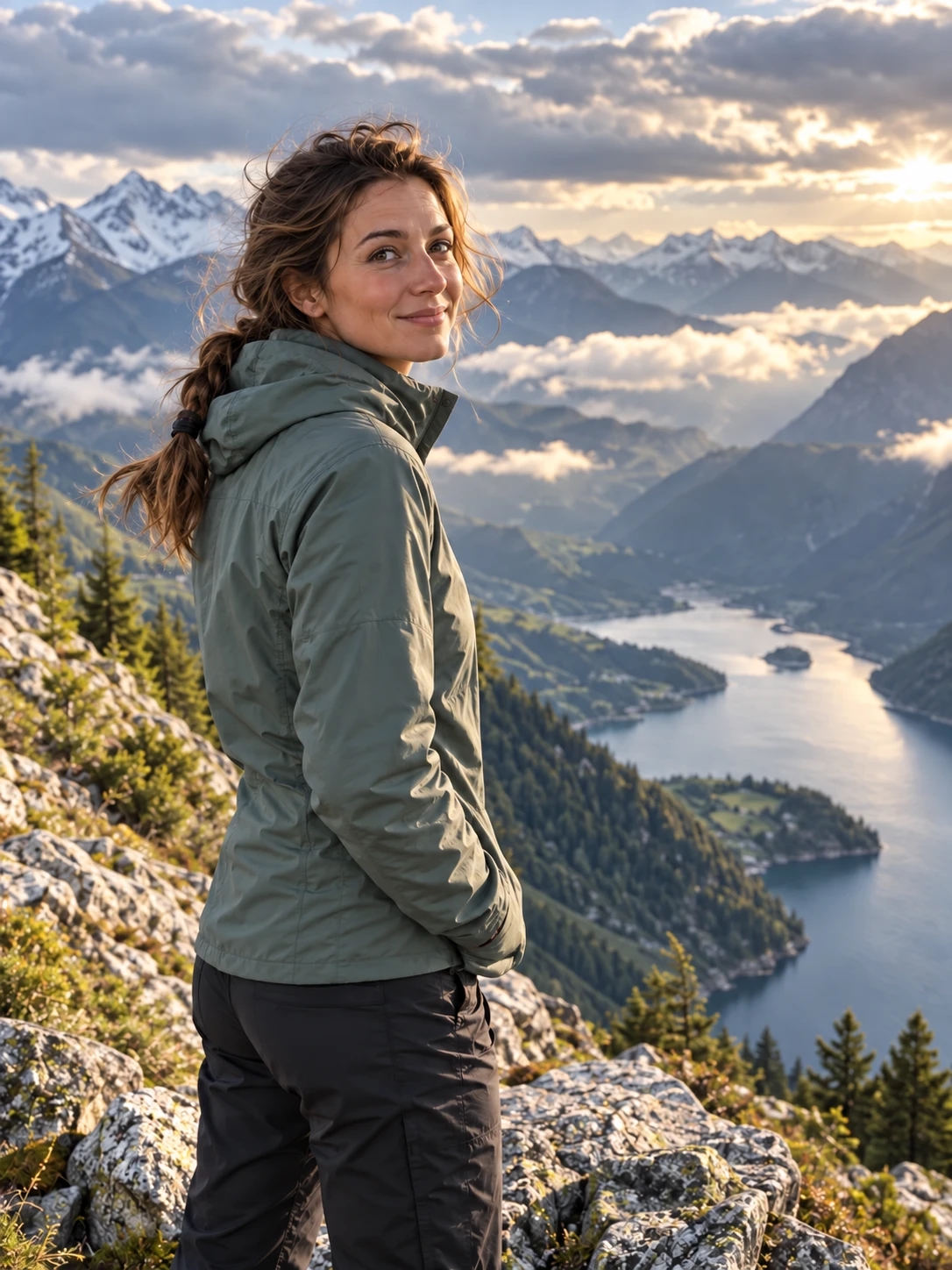
Paint over an unwanted object and reconstruct the background
Upload the photo, paint over the person, object or text with a brush and run the workflow. The mask tells the model exactly which area may change.
Explore the tool→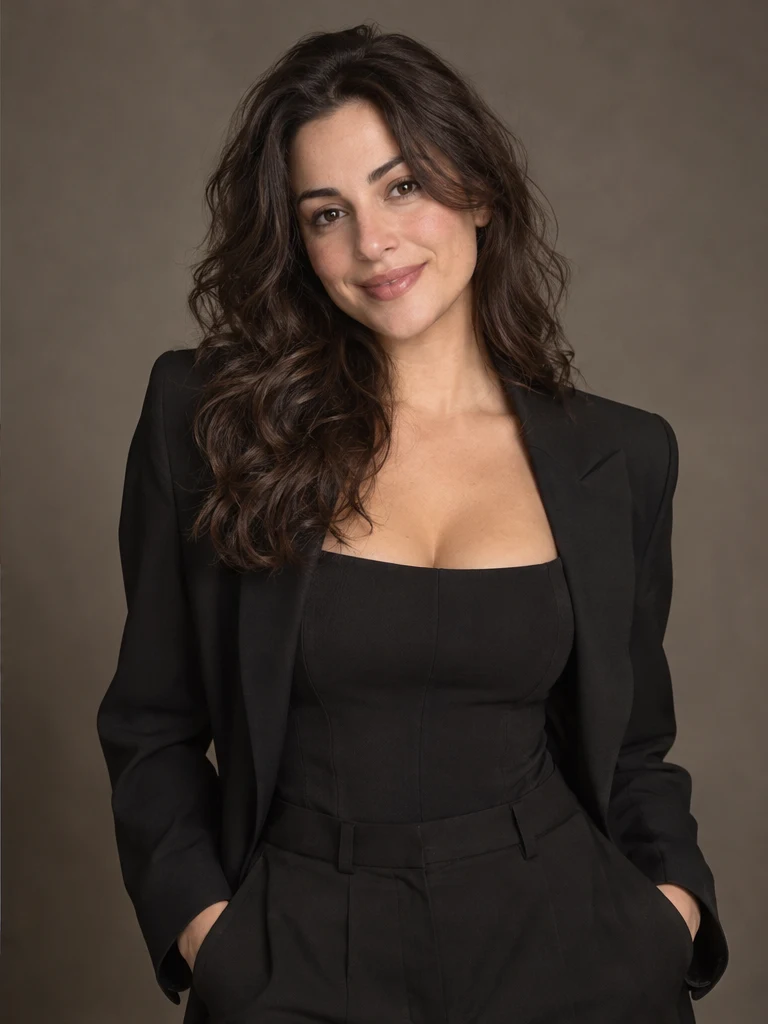
Change a photograph with a short instruction
Use this workflow when the task does not fit a narrow preset. Upload a photo and describe what should change and what must remain intact.
Explore the tool→A ready-made AI photo shoot from one portrait
Choose a scene before uploading: business, lifestyle, studio, street, fitness and other prepared looks use their own visual instructions.
Explore the tool→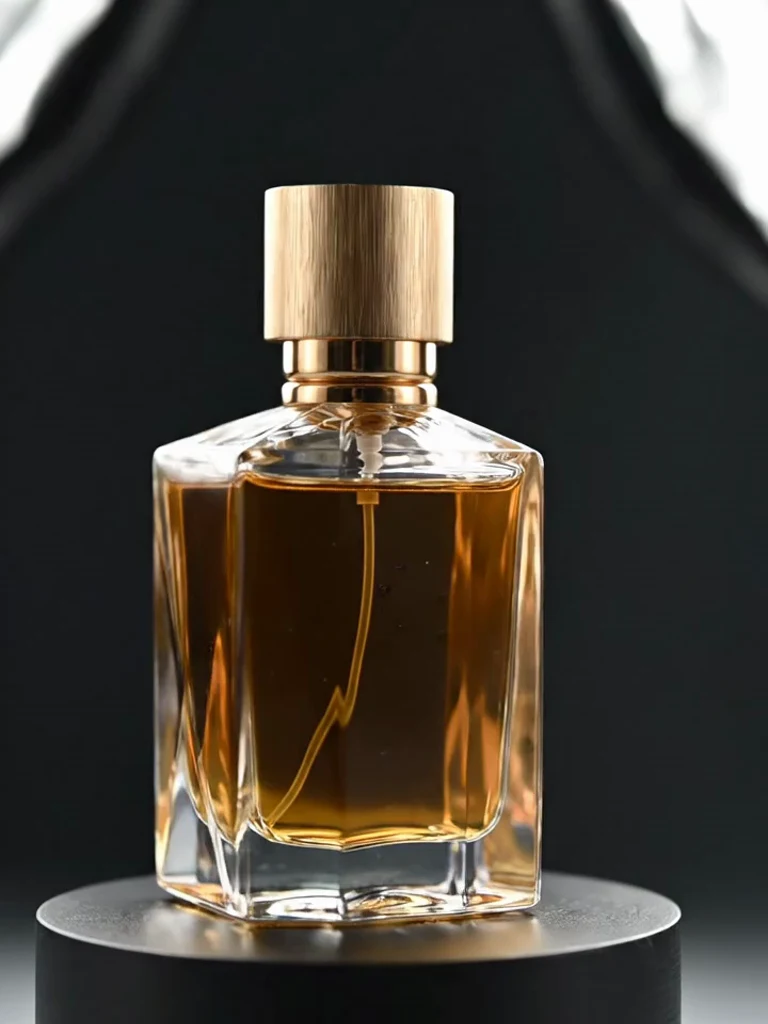
Create an image or short video for a product listing
The marketplace, image/video output and prepared layout options are visible before upload. Choose a platform, add a product photo and run the matching workflow.
Explore the tool→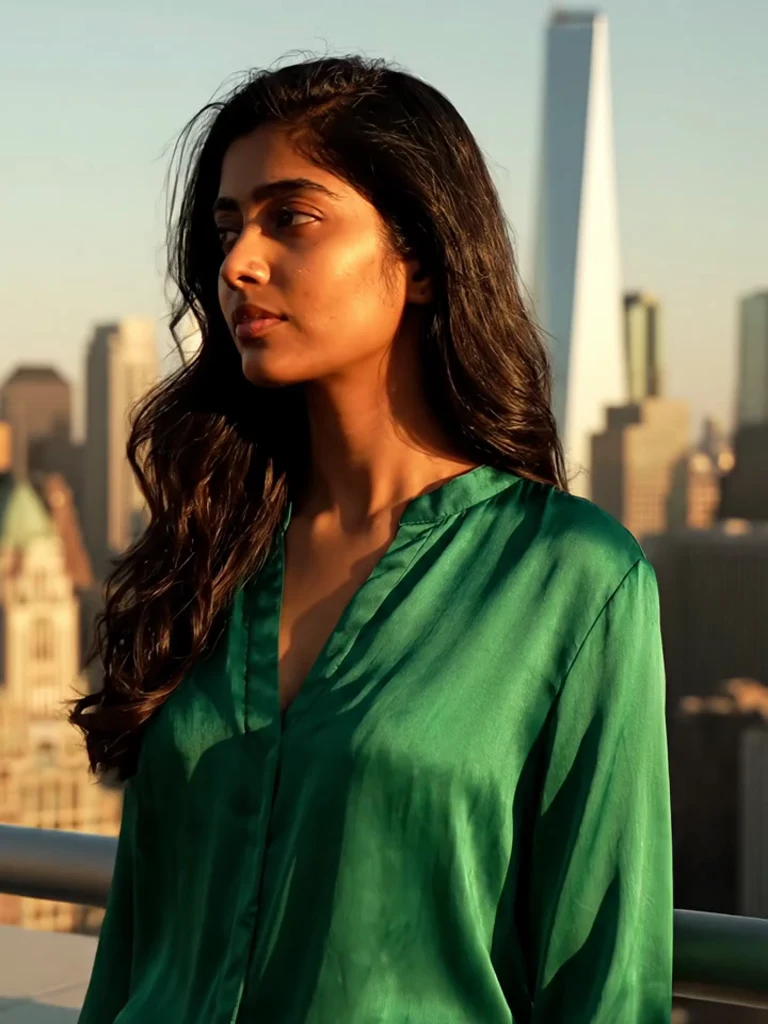
Animate a photograph with natural movement
Choose how your photo comes alive: cinematic camera movement, a living atmosphere or a short story. Keep the person recognizable and bring natural movement to the scene.
Explore the tool→Review first, generate when ready
The landing pages explain each tool. Generation only begins after you choose to enter Studio or open the bot.