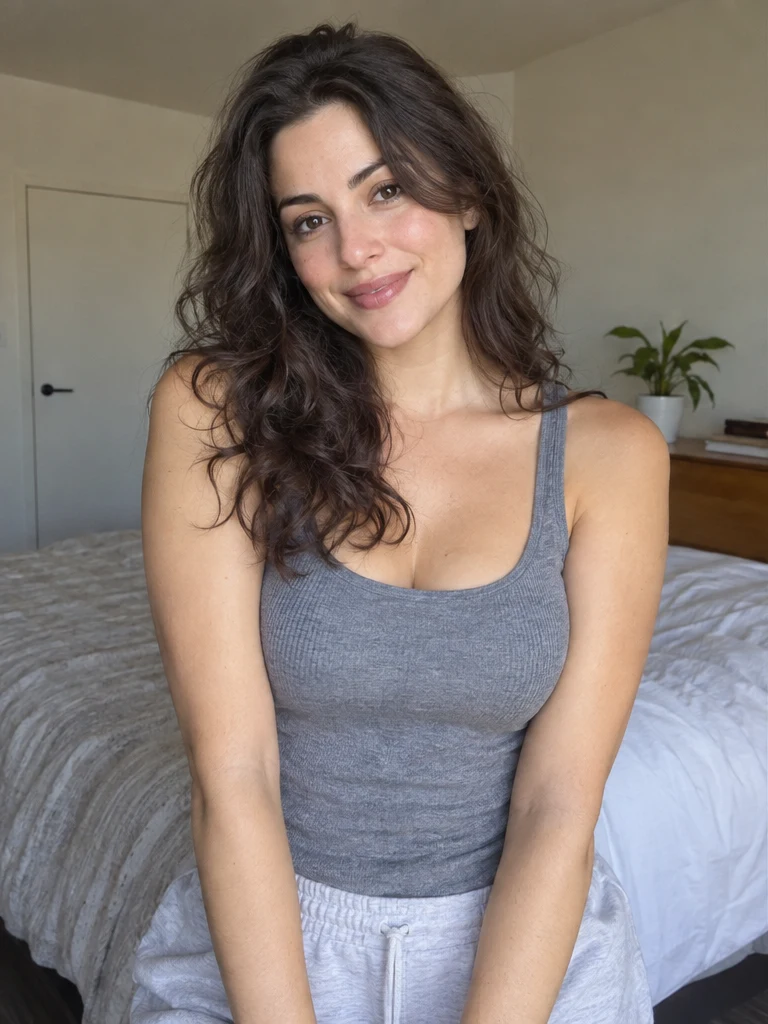
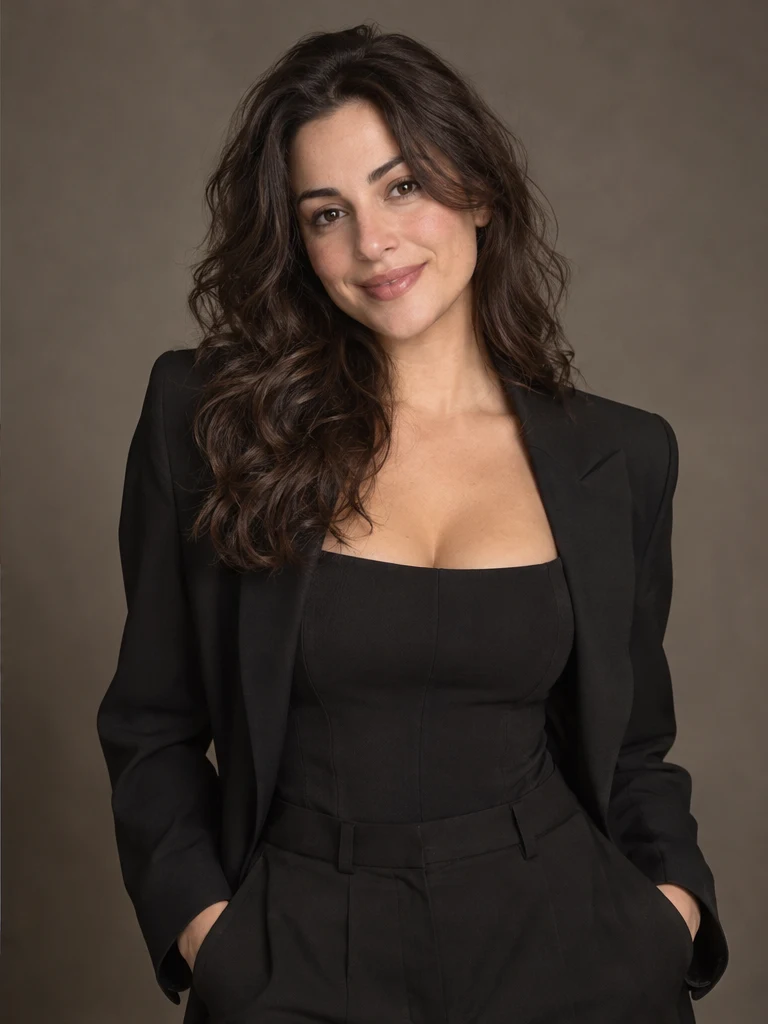
Describe one clear change and explicitly name important invariants.
NO BLANK PROMPT
The settings are already prepared
Open the ready-made tool in Studio, upload your source image, choose an option and review the setup before starting.
Choose a ratio only when the edit requires a new composition.
Select detail level before running the edit.
HOW TO START
From source photo to a downloadable file
- 1Upload a source
Choose a photo where the important subjects are clearly visible.
- 2Describe the change
State what should change and what must remain untouched.
- 3Review the output
Inspect identity, hands, text and product geometry before publishing.
Open the exact tool you need
If you are not signed in, the selected workflow will open after authentication.
BEFORE YOU START
What affects the result
No workflow produces an identical result from every source image. These checks improve the chance of getting a usable file on the first run.
- A broad or contradictory instruction leads to unpredictable changes.
- Exact text and logos require separate verification.
- Use narrow ready-made tools for background removal, blur or object removal.
QUICK ANSWERS
Questions before using the tool
When should I use this instead of a ready-made tool?
Use it when the requested change is not covered by a narrow workflow.
Should I write a long prompt?
No. One clear task plus the details that must remain unchanged is usually better.
Can I change the aspect ratio?
Yes, but extending a frame may require the model to invent new surroundings.
TrendMe Studio
No need to build a prompt from scratch
Choose a ready-made tool, upload your photo and download the finished file.