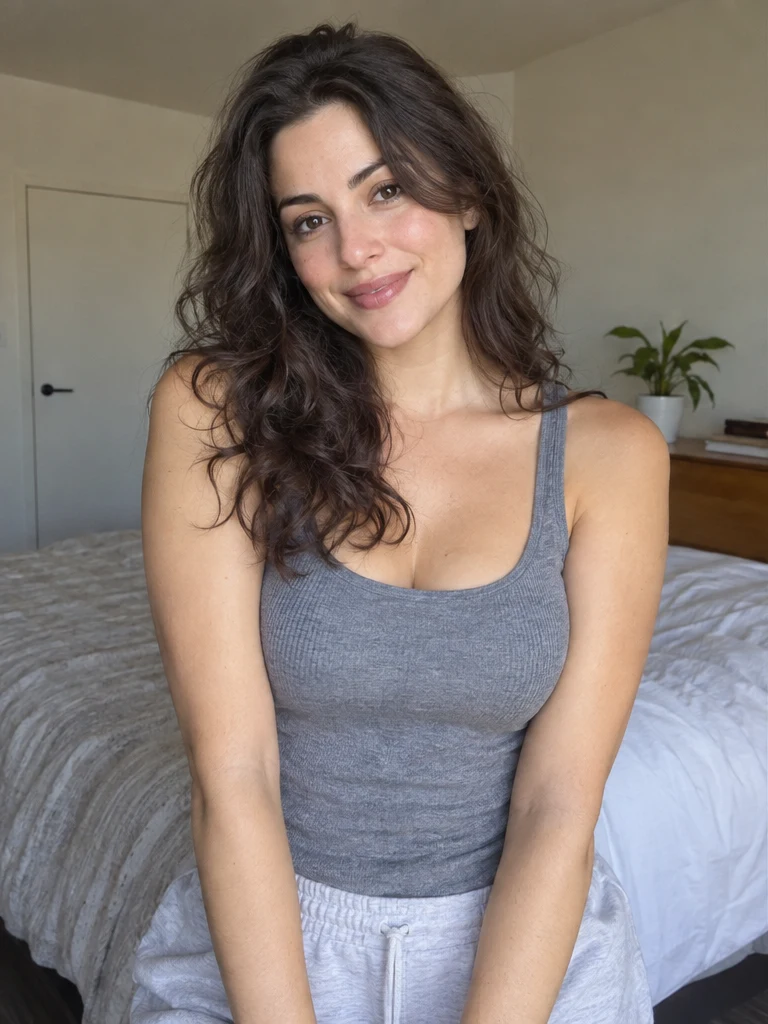
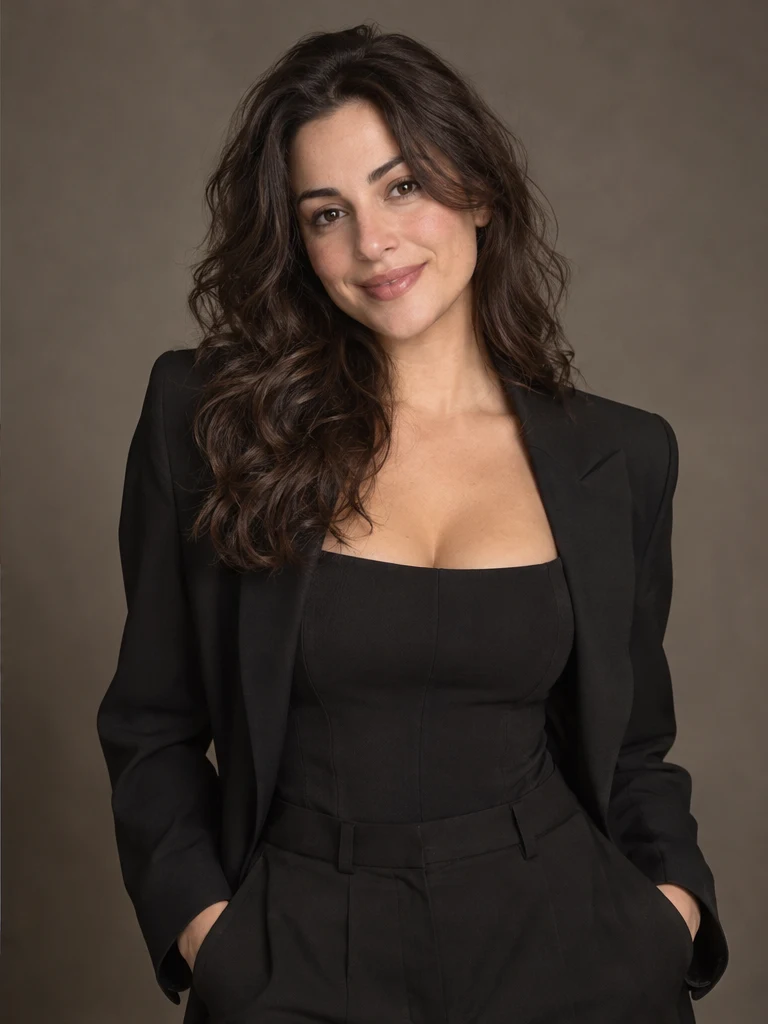
Twenty visible cards cover business, street, studio and lifestyle scenes.
NO BLANK PROMPT
The settings are already prepared
Open the ready-made tool in Studio, upload your source image, choose an option and review the setup before starting.
Choose detail and ratio for the intended placement.
Add one useful note only when the selected look needs adjustment.
HOW TO START
From source photo to a downloadable file
- 1Open AI Photo Studio
All available looks are visible before upload.
- 2Choose a scene
Select the card that matches the intended result.
- 3Add a portrait
Run the workflow and review the generated look before downloading.
Open the exact tool you need
If you are not signed in, the selected workflow will open after authentication.
BEFORE YOU START
What affects the result
No workflow produces an identical result from every source image. These checks improve the chance of getting a usable file on the first run.
- A clear, front-facing portrait gives the most stable identity.
- The selected look defines the scene; do not choose a conflicting preset.
- Inspect face, hands, clothing and accessories before use.
QUICK ANSWERS
Questions before using the tool
Do I need to write a prompt?
No. Each visible look already has a scene-specific prompt.
Can I add a preference?
Yes. An optional refinement field is available.
Will every look preserve the face equally?
Identity stability also depends on source angle, light and resolution.
TrendMe Studio
No need to build a prompt from scratch
Choose a ready-made tool, upload your photo and download the finished file.