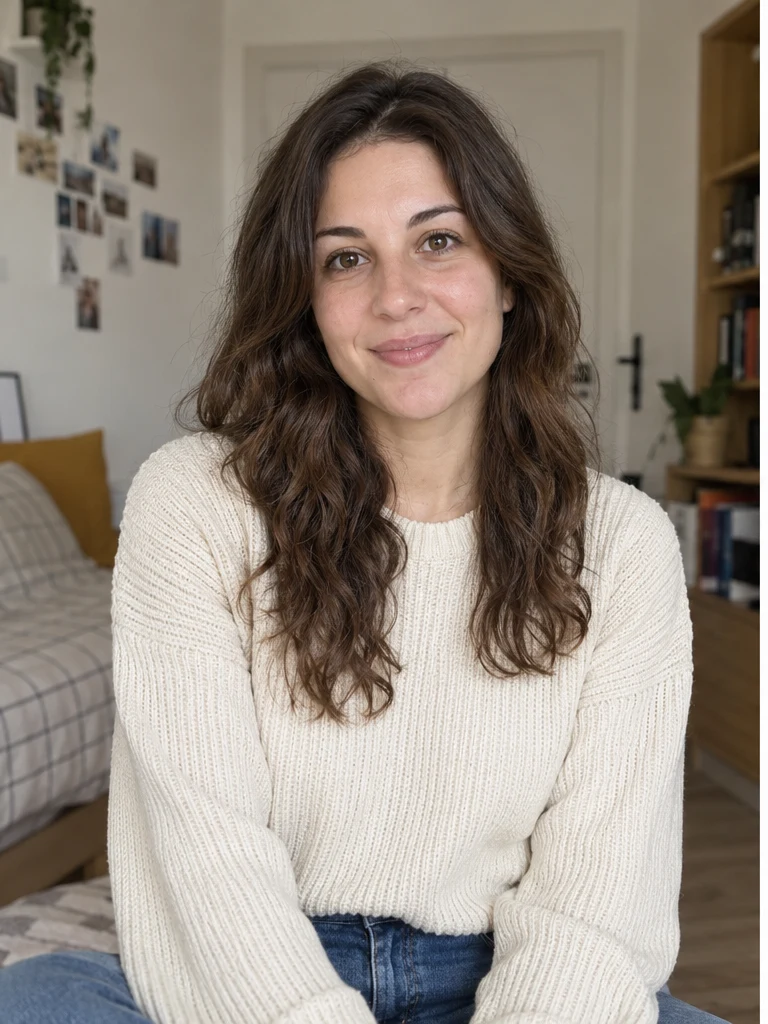
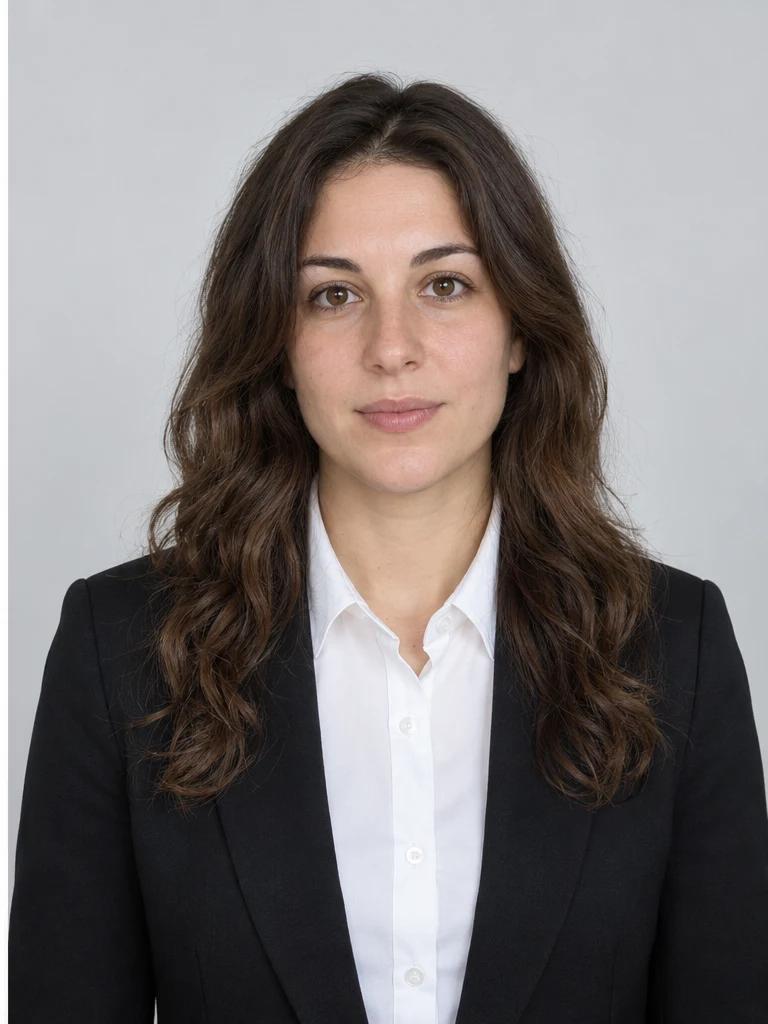
Choose passport, visa, driving license or a neutral size.
NO BLANK PROMPT
The settings are already prepared
Open the ready-made tool in Studio, upload your source image, choose an option and review the setup before starting.
Keep the original clothes or choose a suit or shirt.
The selected preset controls crop and proportions.
HOW TO START
From source photo to a downloadable file
- 1Choose a document
All formats are visible before starting.
- 2Upload a clear portrait
Use a front-facing photo with an open face and even light.
- 3Choose clothing
Check the final file against the official requirements before submitting it.
Open the exact tool you need
If you are not signed in, the selected workflow will open after authentication.
BEFORE YOU START
What affects the result
No workflow produces an identical result from every source image. These checks improve the chance of getting a usable file on the first run.
- Official requirements may differ by country and authority.
- The final image must be checked before formal submission.
- Covered faces, strong angles and harsh shadows reduce accuracy.
QUICK ANSWERS
Questions before using the tool
Is the result guaranteed to be accepted?
No service can guarantee acceptance; always check current official requirements.
Can I keep my clothes?
Yes. Keep original is one of the available options.
Do I enter dimensions manually?
No. Choose a ready-made document preset.
TrendMe Studio
No need to build a prompt from scratch
Choose a ready-made tool, upload your photo and download the finished file.