
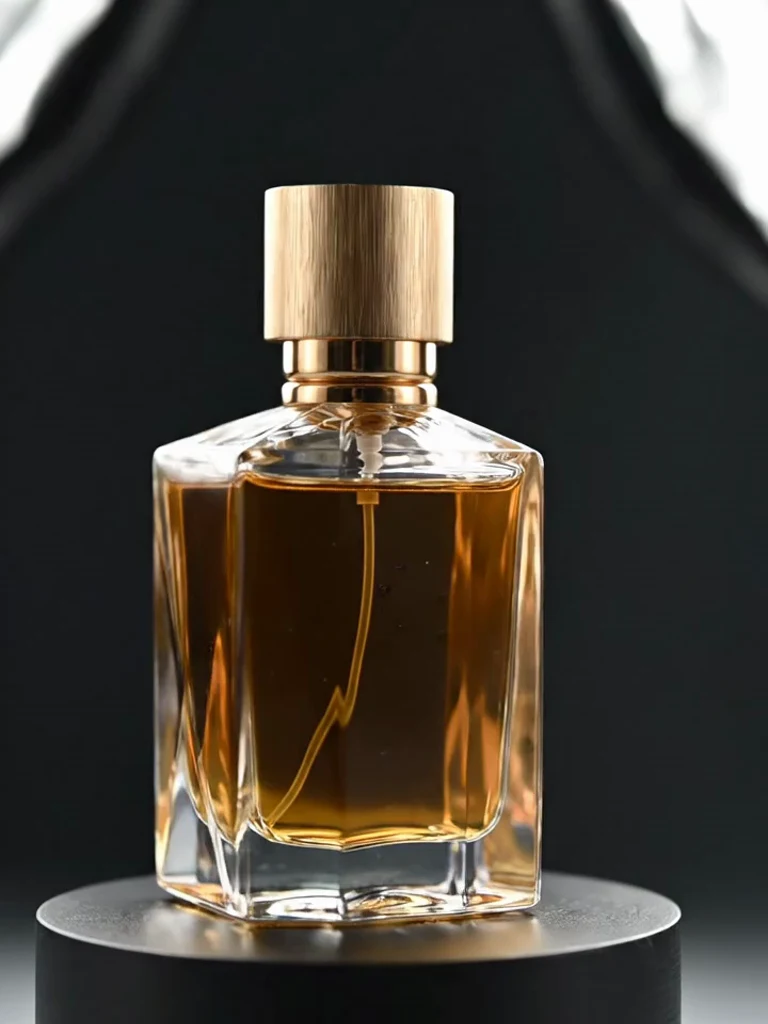
Choose Ozon, Wildberries, Yandex Market or a universal card.
NO BLANK PROMPT
The settings are already prepared
Open the ready-made tool in Studio, upload your source image, choose an option and review the setup before starting.
Still visuals and short product showcases use different prepared workflows.
Choose detail and add one optional clarification when needed.
HOW TO START
From source photo to a downloadable file
- 1Choose a marketplace
All available platform presets are visible before upload.
- 2Add a product photo
The product should be sharp, large and unobstructed.
- 3Choose image or video
Review the setup and run the prepared workflow.
Open the exact tool you need
If you are not signed in, the selected workflow will open after authentication.
BEFORE YOU START
What affects the result
No workflow produces an identical result from every source image. These checks improve the chance of getting a usable file on the first run.
- Check the result against the marketplace's current requirements before publishing.
- Verify logos, labels, color and product geometry separately.
- AI video must not imply product properties that do not exist.
QUICK ANSWERS
Questions before using the tool
Are marketplace presets visible immediately?
Yes. Platform and output choices are shown before uploading.
Can I create a video?
Yes. Choose Short video in the output selector.
Do I still need to check platform requirements?
Yes. Marketplace rules can change and final compliance remains the seller's responsibility.
TrendMe Studio
No need to build a prompt from scratch
Choose a ready-made tool, upload your photo and download the finished file.