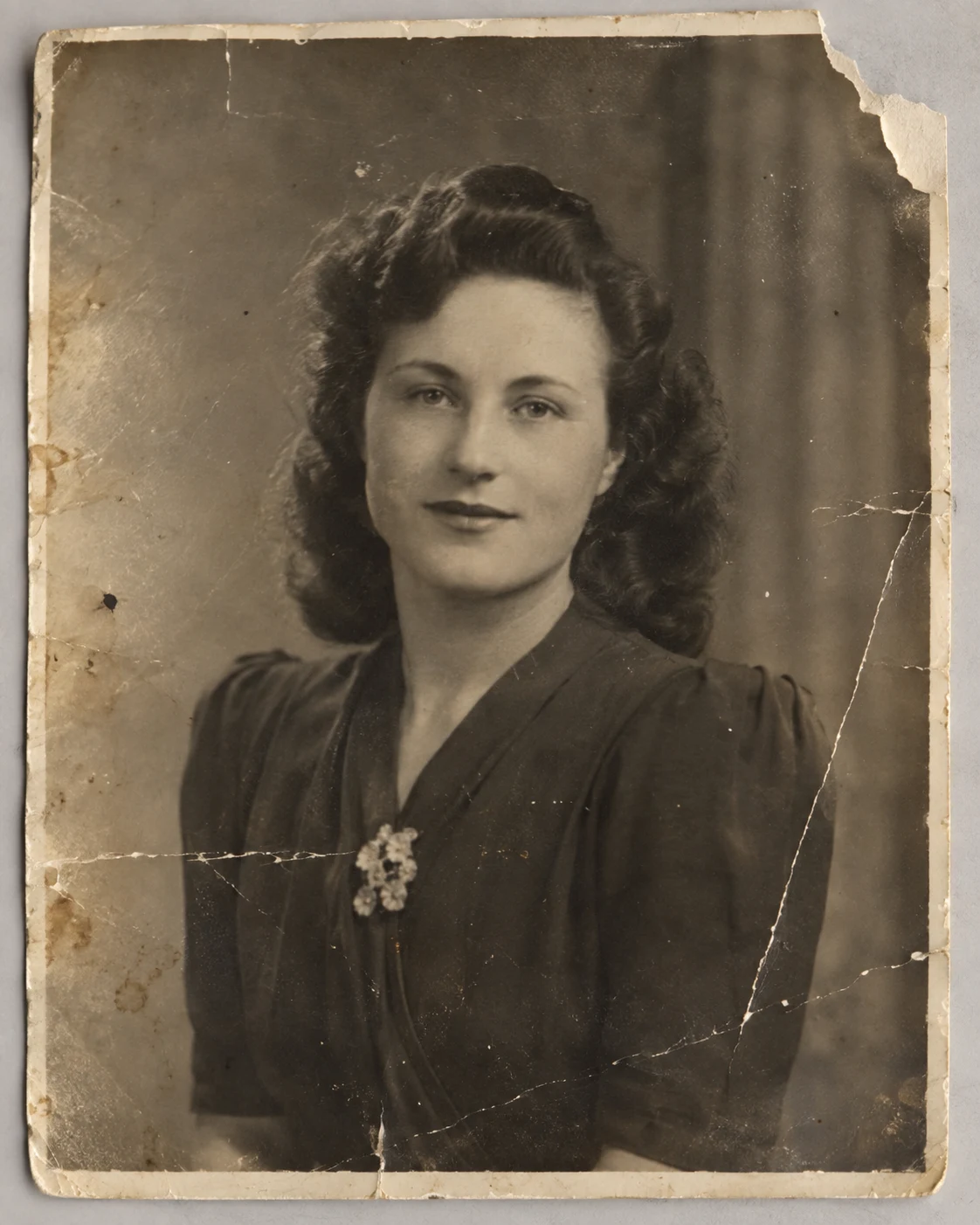
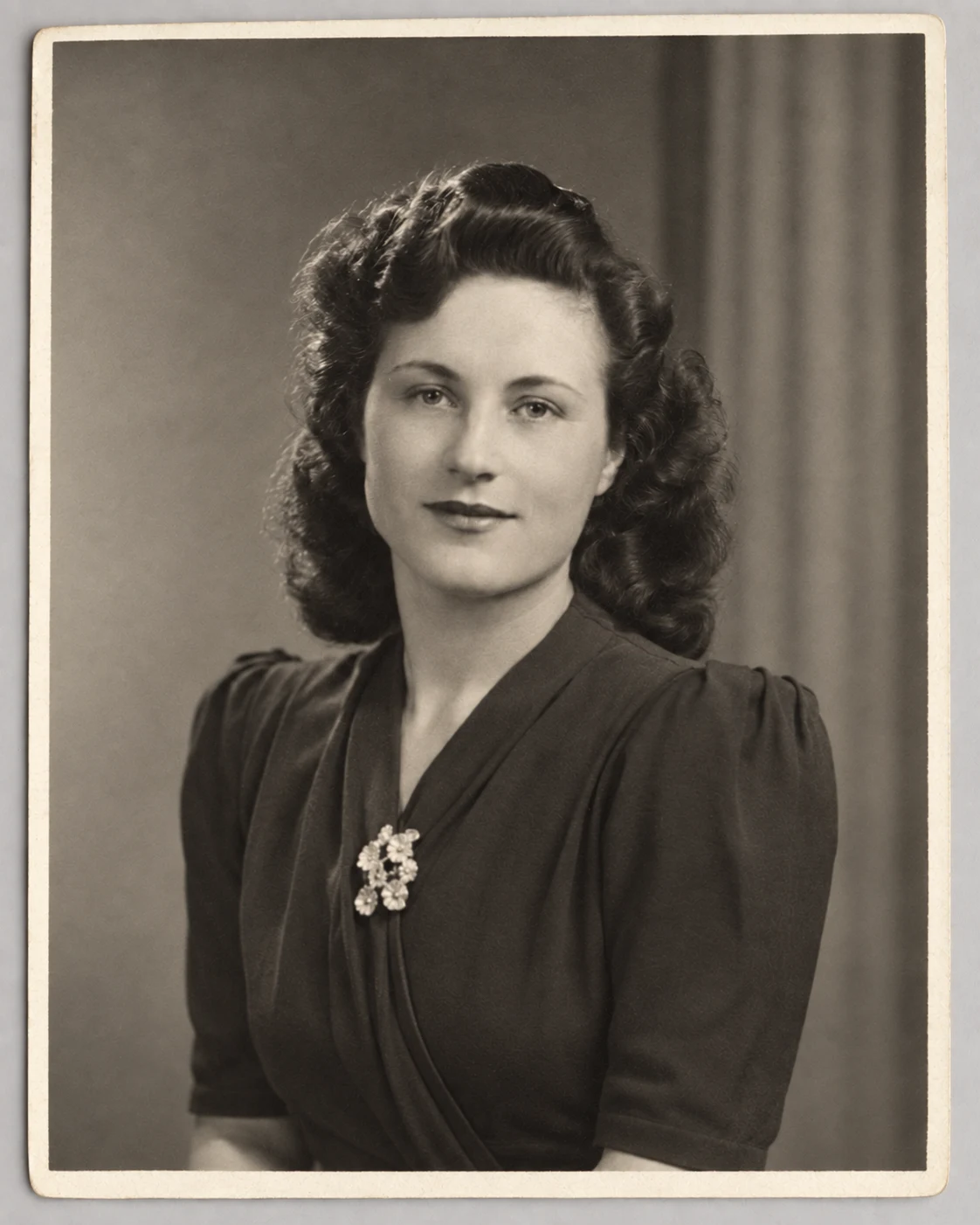
The prompt is tuned for scratches, fading, noise and physical damage.
NO BLANK PROMPT
The settings are already prepared
Open the ready-made tool in Studio, upload your source image, choose an option and review the setup before starting.
The workflow avoids modern clothes, makeup and invented styling.
Choose output detail based on the condition of the source.
HOW TO START
From source photo to a downloadable file
- 1Scan or photograph the original
Use even light and avoid glare.
- 2Open Restoration
The button opens the exact ready-made tool.
- 3Inspect faces and details
Compare the result with the original before downloading.
Open the exact tool you need
If you are not signed in, the selected workflow will open after authentication.
BEFORE YOU START
What affects the result
No workflow produces an identical result from every source image. These checks improve the chance of getting a usable file on the first run.
- Completely missing facial details cannot be recovered factually.
- Strong glare and deep folds may require another source capture.
- AI restoration must not be treated as documentary reconstruction of lost details.
QUICK ANSWERS
Questions before using the tool
Will the photo be colorized?
The core task is restoration; color should only change when the workflow explicitly supports it.
Will faces remain recognizable?
Identity preservation is prioritized, but heavily damaged faces still need manual checking.
What source works best?
A flat, evenly lit scan or photograph at the highest available resolution.
TrendMe Studio
No need to build a prompt from scratch
Choose a ready-made tool, upload your photo and download the finished file.