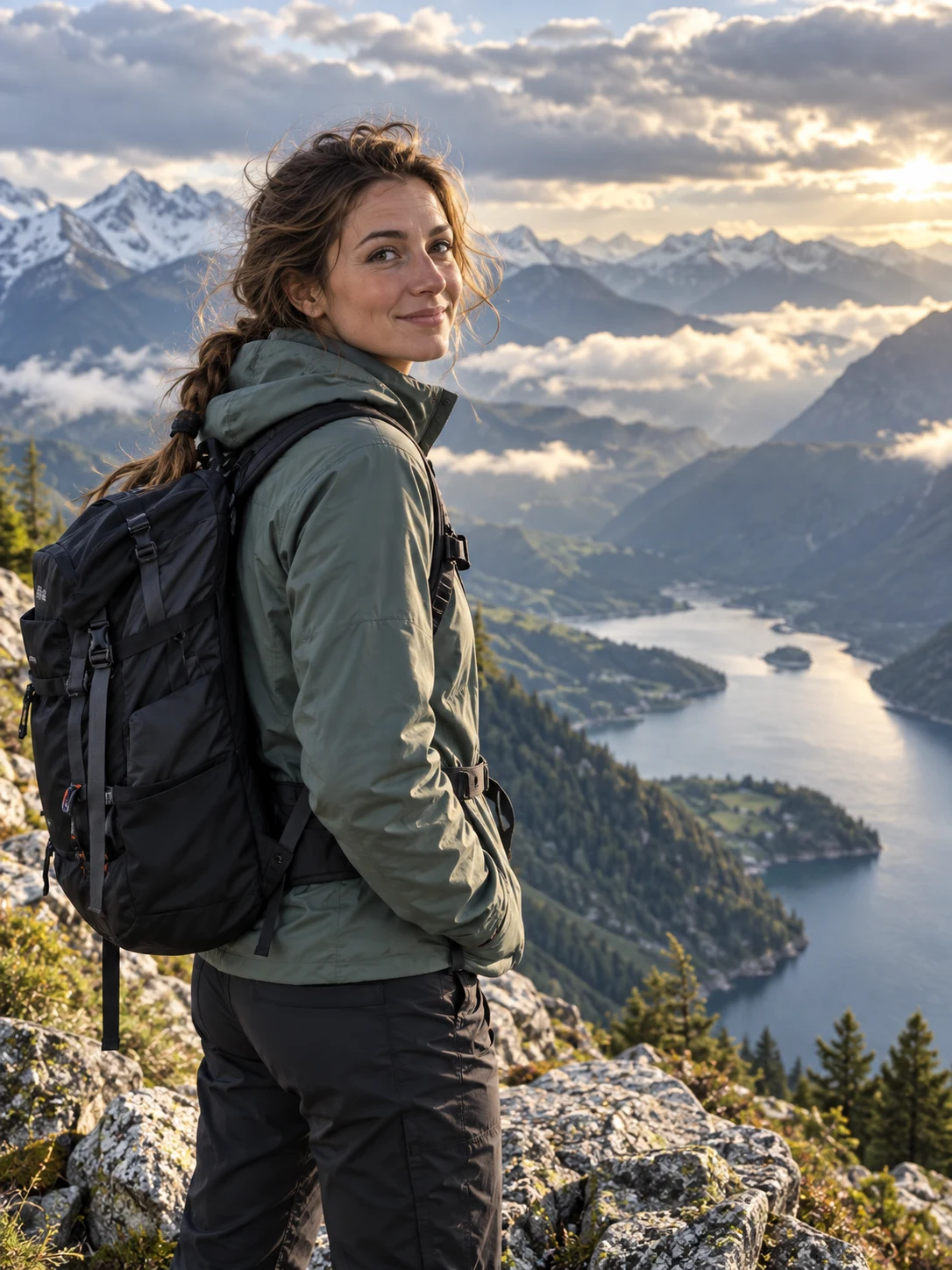
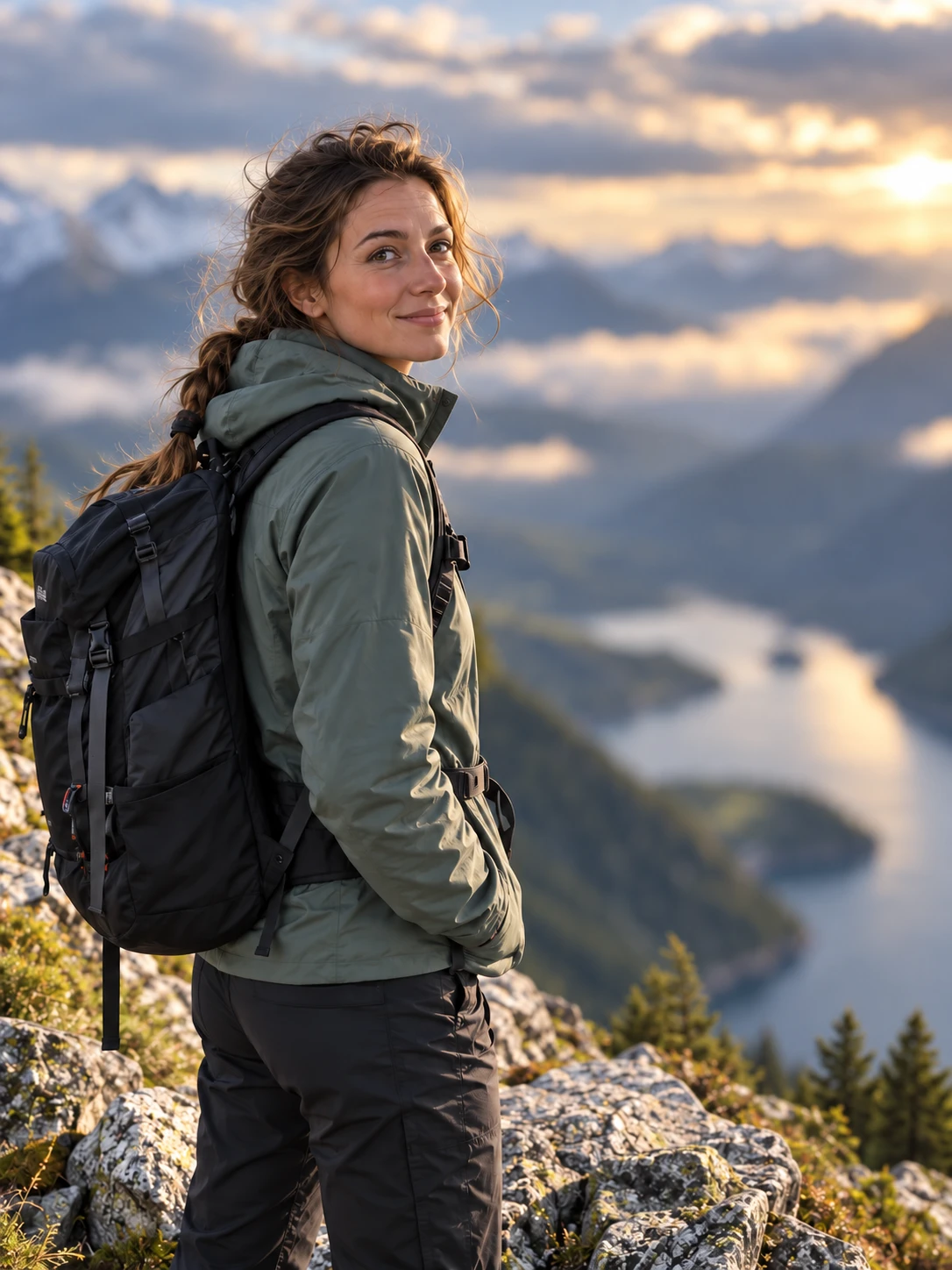
The person or main object stays in focus.
NO BLANK PROMPT
The settings are already prepared
Open the ready-made tool in Studio, upload your source image, choose an option and review the setup before starting.
The existing scene remains recognizable without looking replaced.
The tool preserves the source frame.
HOW TO START
From source photo to a downloadable file
- 1Open the workflow
Studio opens the background-blur tool directly.
- 2Upload the source
The main subject should already be in focus.
- 3Choose quality
Run the workflow, inspect the edges and download the result.
Open the exact tool you need
If you are not signed in, the selected workflow will open after authentication.
BEFORE YOU START
What affects the result
No workflow produces an identical result from every source image. These checks improve the chance of getting a usable file on the first run.
- Complex hair and transparent objects require a sharp source.
- The tool cannot recover a subject that is already out of focus.
- Inspect the edges of hands, hair and clothing.
QUICK ANSWERS
Questions before using the tool
Does the location change?
No. The existing background is softened rather than replaced.
Do I choose an output ratio?
No. The source framing is preserved.
Is this suitable for products?
Yes, when the product is sharp and clearly separated from the background.
TrendMe Studio
No need to build a prompt from scratch
Choose a ready-made tool, upload your photo and download the finished file.